



TOUGHBOOK 55 mk3 Rugged Notebook
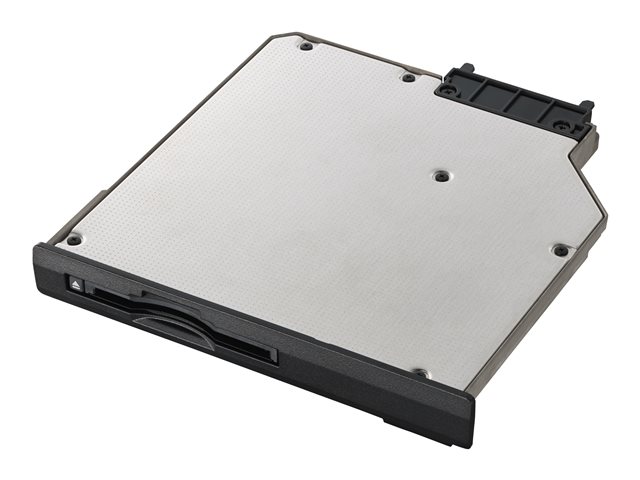
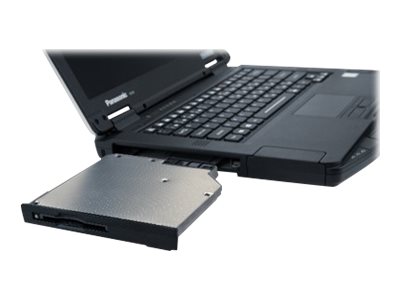
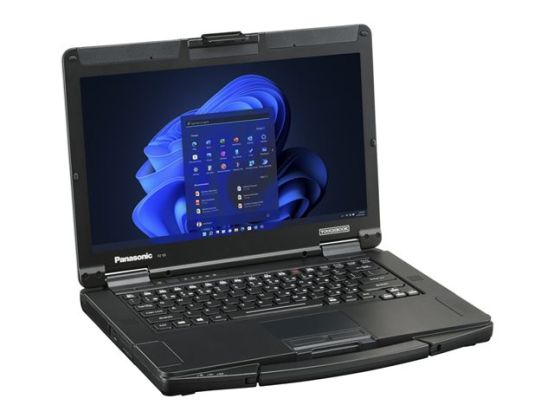
TOUGHBOOK 55 with Windows 11 Pro, magnesium chassis, flexible configurations and universal bay is the most versatile 14" rugged TOUGHBOOK ever built, but doesn't compromise on durability, with an unique 'honeycomb' design for improved strength and splash resistant design. In terms of flexibility, the TOUGHBOOK 55 is equally outstanding. It offers a huge array of configuration options, making it easier for customers to have exactly the device they want.
Future-proofed for industry needs
The TOUGHBOOK 55 is ideal for automotive R&D engineers who need a rugged and reliable notebook to deal with challenging conditions, whether testing in remote locations, the heat chamber, or the test track. With telemetry being captured in real-time, the device can easily handle huge data volumes with its superior storage and connectivity capabilities.
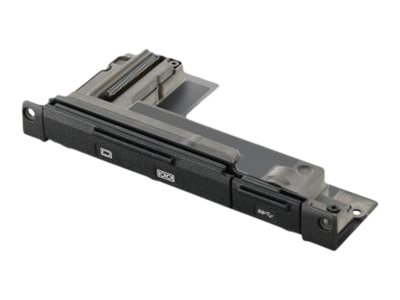
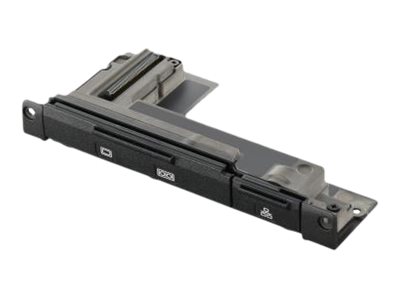
For utilities and field service repairs the TOUGHBOOK 55 stands out with its multiple configuration and connectivity options, including to legacy systems and specialist ports.
For defence and the emergency services, the TOUGHBOOK 55 offers high levels of data protection as a Microsoft Secured-core PC and mission critical levels of connectivity. Combined with a lightweight design and an IP53 rating that protects against dust and water splashes, the TOUGHBOOK 55 can stand up to knocks and drops up to 90cm* and comfortably operate in temperatures ranging from -29°C to +60°C*
Robust construction
The magnesium alloy case of the Toughbook 55 provides durability while remaining lightweight, making it ideal for use in tough environments.
Efficient performance
Equipped with an Intel Core i5 processor, this notebook ensures smooth and efficient multitasking, enhancing productivity.
Dust-resistant capability
The dust-resistant feature protects the internal components from debris, ensuring reliable operation even in harsh working conditions.
Versatile connectivity
With an HDMI output and LAN interface, the Toughbook 55 allows for easy connection to external devices and networks.
User-friendly input
The touchpad provides a smooth navigation experience, allowing users to control their tasks efficiently.